
post the great pictures you rescued from poor captures!
Discussion


My cock-up on this shoot was well documented on PH. It was my first commissioned shoot for a mag and I drove all the way to Birmingham (from Croydon), shoot went off without any probs. When I got home I realised in my nervousness I forgot to check the ISO setting and had shot the whole thing in ISO 1600. Luckily I had shot in RAW as I didn't get it right first time  I had to upgrade PS from 7 to CS2 as there was still too much noise in the photos and it was better in the newer version. Added to that a bit of Noise Ninja and it saved me making the trip back to Birmingham, the photos were used in the next issue and cash was eventually dispatched to me.
http://www.grantgb.com/daveharriespop.htm

I had to upgrade PS from 7 to CS2 as there was still too much noise in the photos and it was better in the newer version. Added to that a bit of Noise Ninja and it saved me making the trip back to Birmingham, the photos were used in the next issue and cash was eventually dispatched to me.http://www.grantgb.com/daveharriespop.htm
Edited by nick_bbb on Friday 25th January 13:55


Here's an example from last month where the RAW files saved the shot. This was my first trip out with the 5D, and it was set to capture a RAW and a medium-size high-quality Jpeg. I didn't have a tripod, so everything was a struggle for sharpness. This shot was 1/4 second at 1600ASA (Image Stabilised lenses are great) and looked properly exposed on the camera lcd. However, when I got it home the Jpeg was a bit dark - the highlight detail was good, but there wasn't much in the shadows.
Original Camera Jpeg:

In response to the argument / trench warfare on the other thread I've just spent fifteen minutes playing with the RAW version of the file, and came up with this:

Basically I processed two versions of the same file in CaptureOne - one for the highlights and one for the shadows. These were then layered and merged using a layer mask. I then reduced the size to match the other Jpeg and applied some very mild sharpening. There's plenty more scope to add detail in PS, but for a very quick job these 100% crops show the difference:
Before:

After:

Now you could probably have brightened up the Jpeg a bit, but not as much as the RAW file. I admit the Jpeg is underexposed, but the camera was already nearly at the limits of film speed, shutter speed and apeture. In this kind of situation, RAW can be of real benefit.
Original Camera Jpeg:
In response to the argument / trench warfare on the other thread I've just spent fifteen minutes playing with the RAW version of the file, and came up with this:
Basically I processed two versions of the same file in CaptureOne - one for the highlights and one for the shadows. These were then layered and merged using a layer mask. I then reduced the size to match the other Jpeg and applied some very mild sharpening. There's plenty more scope to add detail in PS, but for a very quick job these 100% crops show the difference:
Before:
After:
Now you could probably have brightened up the Jpeg a bit, but not as much as the RAW file. I admit the Jpeg is underexposed, but the camera was already nearly at the limits of film speed, shutter speed and apeture. In this kind of situation, RAW can be of real benefit.
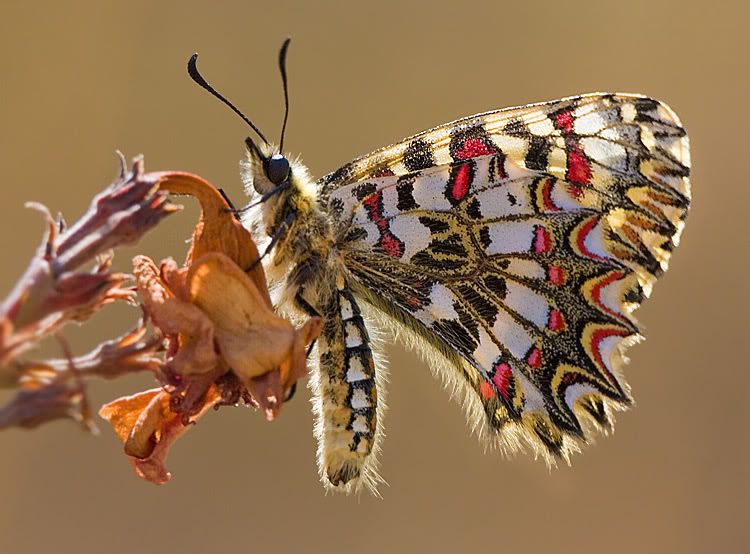
This was wrong on soooo many levels... I shot it while hung over (big time! ) so the camera was still on manual from the previous day (only took an hour to realise  ) This took a lot of work but has turned out to be one of my all-time favourite images.
M.
) This took a lot of work but has turned out to be one of my all-time favourite images.M.
Edited by V6GTO on Friday 25th January 18:53

V6GTO said:
This was wrong on soooo many levels... I shot it while hung over (big time! ) so the camera was still on manual from the previous day (only took an hour to realise ) This took a lot of work but has turned out to be one of my all-time favourite images.
M.
nice shot :-)) This took a lot of work but has turned out to be one of my all-time favourite images.M.
Edited by V6GTO on Friday 25th January 18:53
any chance you could post up the original file?

Greg964 said:
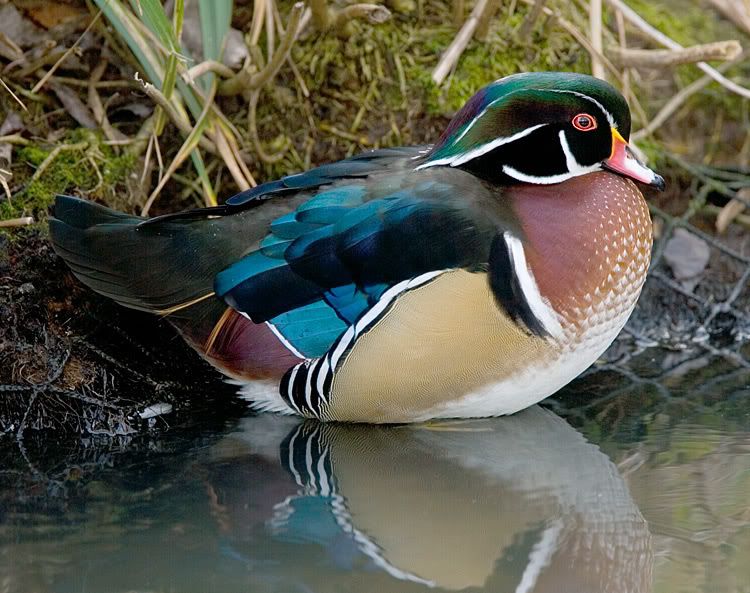
At first glance I thought this RAW file was worthless, but after a tweak of the sliders i quite like it.

Raw
Lightroom
PS
Please can you inform me as to how you went about performing this "fix" ?Raw
Lightroom
PS
I've taken a shot of a small bird perched on the top of a lampost. The background is VERY light and the bird in question is VERY dark (almost black) - so much so that you cannot see any detail in it at all.
I've been playing around in photoshop (i'm a noob to PS) and I cannot do anything with it. What you've done in that photo looks very much what i need to do.
If you could let me know how to go about it I'd be extremely grateful.
Thanks,
Daz
Gassing Station | Photography & Video | Top of Page | What's New | My Stuff