
posting pics...
Discussion


i don't understand you Mr VHR?!
(i took the spaces out so he could see what I wrote, otherwise it will just perform the action rather than explain)
perhaps i should have said it needs to be linked somewhere actually....
so, to confirm....
(pic)www.lotusrules.com/images/womanwithbigboobs.jpg(/pic) but change the ( ) 's to [ ] 's !!!
Hope that helps
(i took the spaces out so he could see what I wrote, otherwise it will just perform the action rather than explain)
perhaps i should have said it needs to be linked somewhere actually....
so, to confirm....
(pic)www.lotusrules.com/images/womanwithbigboobs.jpg(/pic) but change the ( ) 's to [ ] 's !!!
Hope that helps

TonyHetherington said:
i don't understand you Mr VHR?!
(i took the spaces out so he could see what I wrote, otherwise it will just perform the action rather than explain)
perhaps i should have said it needs to be linked somewhere actually....
so, to confirm....
(pic)www.lotusrules.com/images/womanwithbigboobs.jpg(/pic) but change the ( ) 's to [ ] 's !!!
Hope that helps
Only reason I did that was the spaces inside the brackets cause a problem (I know it took me enough go's to get it right and I'm supposed to be computer literate). Your 2nd example is much better as you quite rightly point out the picture needs to be hosted on the internet already to appear.
To host a picture I suggest joining something like Fotango or Photobucket......this is a whole different ball game and is actually the much more complicated bit regarding getting your lovely pics onto Pistonheads.
1; go here http://tinypic.com/
2; hit their 'browse' button
3;choose pic
4;wait a few seconds,
5 take their 'link'
paste into ph reply box with
[pic] in front and
[/pic] behind
6; thats it
2; hit their 'browse' button
3;choose pic
4;wait a few seconds,
5 take their 'link'
paste into ph reply box with
[pic] in front and
[/pic] behind
6; thats it
Tiny pic are both free, and easy peasy to use,
when you open the site-hit browse-select a picture and use their 'host' button
it will take just a few seconds to sort itself out, and then it will look like this

right click and cut the top line which i've highlighted
then paste it in the PH reply box together with
[pic] link string[/pic]
give that a try, and see how it looks, we've all had a go at this and it often takes a few goes
Richard
when you open the site-hit browse-select a picture and use their 'host' button
it will take just a few seconds to sort itself out, and then it will look like this
right click and cut the top line which i've highlighted
then paste it in the PH reply box together with
[pic] link string[/pic]
give that a try, and see how it looks, we've all had a go at this and it often takes a few goes
Richard
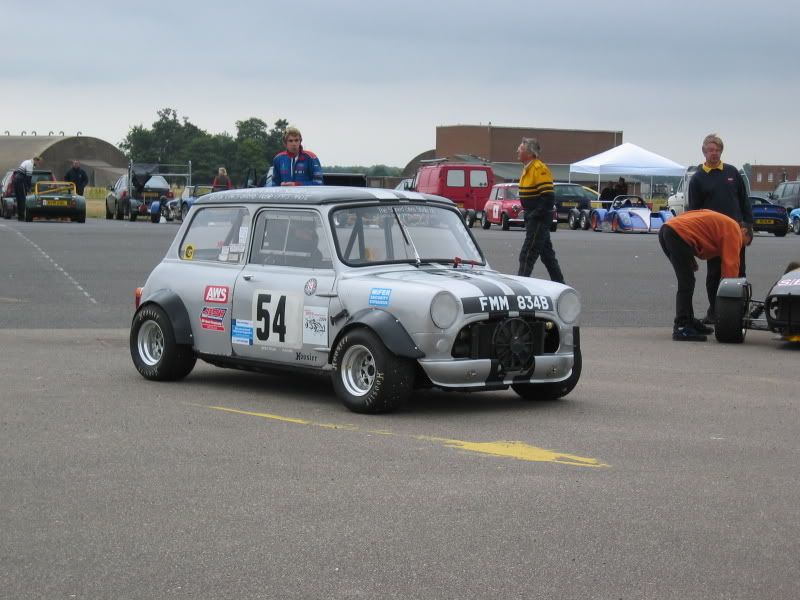
)
Gassing Station | The Pie & Piston Archive | Top of Page | What's New | My Stuff