
Photoshop Tutorials
Discussion


Hi guys, after some advice please.
My lovely OH surprised* me with a Canon 550d and a copy of Adobe CS6 for Christmas and I fully intend to make the most of the investment she has put into my new hobby.
PS is a daunting bit of kit and I've done nothing but mess about with basic settings in trying to make a picture which looks (to me) pretty cool - and it's only pretty cool because I have only ever taken pictures on an iPhone and a crummy point and shoot camera.
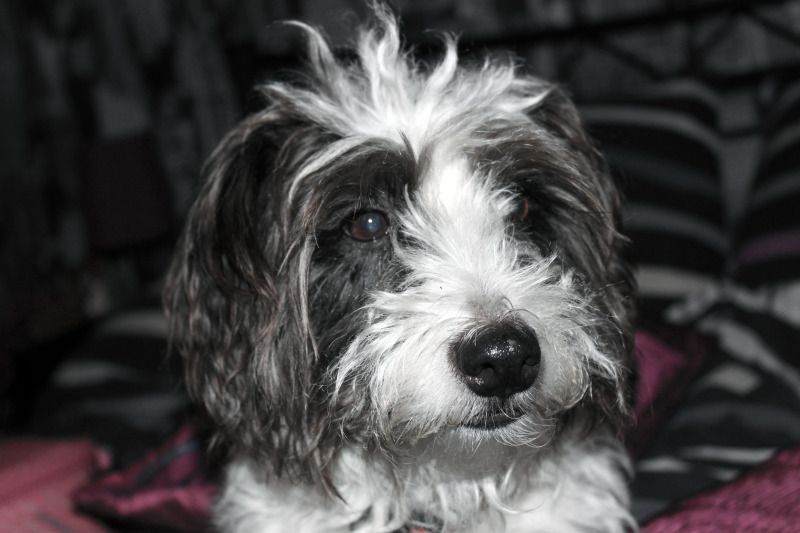
Is anyone aware of any decent Photoshop tutorials anywhere that I can start to read and get to grips with what it can do?
On another note, the lens that came with it doesn't zoom as much as I'd like and as much as my good friends does, mine is the standard 18-55. Is it with spending money on a 75-300 lens which is the one he has - or am I trying to run before I can stand up?
My lovely OH surprised* me with a Canon 550d and a copy of Adobe CS6 for Christmas and I fully intend to make the most of the investment she has put into my new hobby.
PS is a daunting bit of kit and I've done nothing but mess about with basic settings in trying to make a picture which looks (to me) pretty cool - and it's only pretty cool because I have only ever taken pictures on an iPhone and a crummy point and shoot camera.
Is anyone aware of any decent Photoshop tutorials anywhere that I can start to read and get to grips with what it can do?
On another note, the lens that came with it doesn't zoom as much as I'd like and as much as my good friends does, mine is the standard 18-55. Is it with spending money on a 75-300 lens which is the one he has - or am I trying to run before I can stand up?
- She didn't surprise me, I have been hinting my tits off since March that I wanted it and I was like a 7 year old as soon as the presents went under the tree. I could probably have broken it with all that shaking!
Congrats! Top presents 
Lots of books for photoshop, lots of tutorials on youtube too - but I'd start with the free stuff on Adobe TV - http://tv.adobe.com/product/photoshop/
Lots of books for photoshop, lots of tutorials on youtube too - but I'd start with the free stuff on Adobe TV - http://tv.adobe.com/product/photoshop/

AB said:
Thanks all, plenty to be looking at and digesting.
It's all so complicated, the camera hasn't been off full auto yet!
If you're new to thinking about shutter speed, apertures and f-stops then the often recommended book is: It's all so complicated, the camera hasn't been off full auto yet!
http://www.amazon.co.uk/Understanding-Exposure-3rd...
That's the technical stuff ^ (or the stuff that your phone / point'n'shoot has been deciding for you
 )
)If you want more reach then I'd second Rob's idea of the 55-250 - a lot of lens for the money.
I'd recommend going to a local camera store and seeing how much reach you actually want - plus you can probably get to haggle over their prices and have the convenience of buying from a local store

The other often-recommended lens is the Canon 50mm f1.8 - if you plan on taking more portraits (canine or otherwise
 ) then this 'fast' (wide apertured) prime (non-zoom) lens is worth a look for a (relative) bargain
 http://www.amazon.co.uk/Canon-EF-50-1-8-Lens/dp/B0...
Gassing Station | Photography & Video | Top of Page | What's New | My Stuff