
Printing wedding photo to canvas
Discussion


My wife wants to print one of our wedding photos to canvas (probably 20" x 16"). I have the hi-res image which I believe the photographer has done some photoshop work to (but no idea precisely what). My specific questions are, firstly, is there anything specific I should be doing to the image in photoshop before I upload it? And secondly, I want to make the image black and white - what's the best way of achieving this? I have Photoshop Elements but my skills are limited to say the least!
Finally, any recommended suppliers for the canvas? I was looking at Snapmad, but am open to any other recommendations people might have.
Finally, any recommended suppliers for the canvas? I was looking at Snapmad, but am open to any other recommendations people might have.
Make the image 'greyscale' Then it'll def be B&W
Most of us in here use a PH Tim.. >> http://www.fluid-images.co.uk/
Most of us in here use a PH Tim.. >> http://www.fluid-images.co.uk/
markmullen said:
unless they've specifically given you a licence to reprint them then the copyright rests with the photographer.
It still would... that's what licences are for 
Licence is not assignation of copyright, but permission to use under agreed circumstances. So for example my wedding customers have permission to make copies and prints for personal use, but not to sell an image for the front cover of 'Weddings Weekly' and make £1,000 from it!
Simpo Two said:
It still would... that's what licences are for
Licence is not assignation of copyright, but permission to use under agreed circumstances. So for example my wedding customers have permission to make copies and prints for personal use, but not to sell an image for the front cover of 'Weddings Weekly' and make £1,000 from it!
Indeed, that's what I was clumsily getting at.Licence is not assignation of copyright, but permission to use under agreed circumstances. So for example my wedding customers have permission to make copies and prints for personal use, but not to sell an image for the front cover of 'Weddings Weekly' and make £1,000 from it!
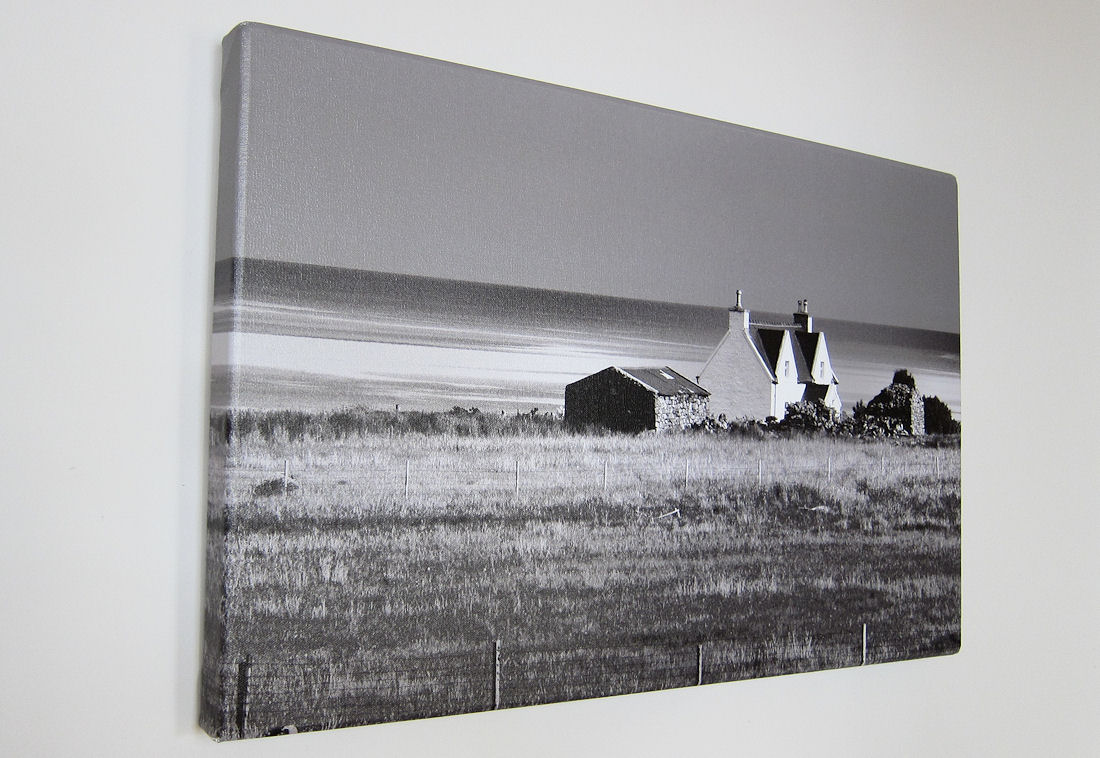
GetCarter said:
Beautiful!Thanks for everyone's input so far. Copyright's all sorted, the tog is happy for us to use the images as we wish for personal use and we've already done a really nice Blurb book from them.
So, I've sparked up Elements but failed to find anything called Channel Mixer.

There is however, a convert black & white function that allows you to adjust the RGB and contrast settings or use one of the presets provided. I guess this will do the job? Any particular recommended settings for a canvas?

Gassing Station | Photography & Video | Top of Page | What's New | My Stuff