
'Blurry light' effect!?!?
Discussion


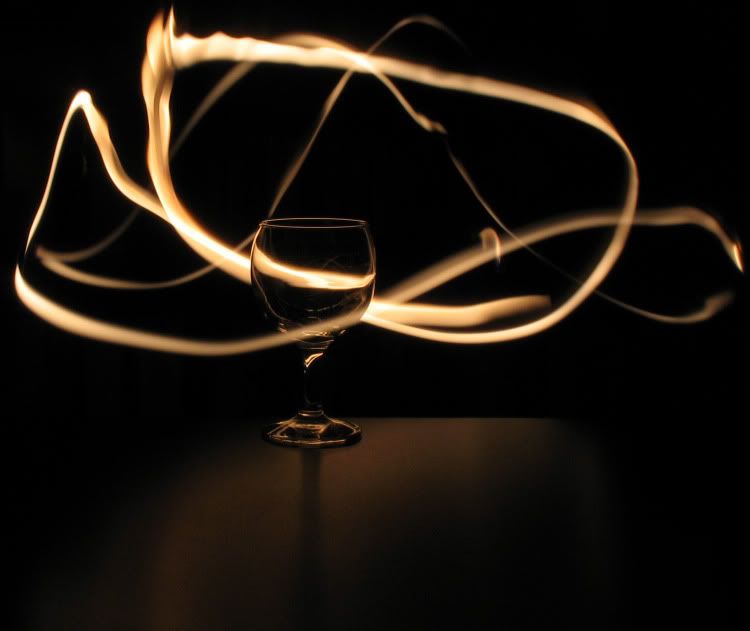
This is the best terminology i can use to describe this type of picture:
http://www.flickr.com/photos/davidribbens/30917987...
what settings do you use to get this type of effect?
Woza.
http://www.flickr.com/photos/davidribbens/30917987...
what settings do you use to get this type of effect?
Woza.


 ...
...

If it's specifically traffic trails you're after, you'll get best results when it gets dark earlier. For dense trails like the shot you quoted first off you (obv) need plenty of traffic. But you can't just let your exposure run and run until enough traffic has passed through your shot; ambient lighting will take the intensity out of your trails.
Instead try something like a 10-30 second exposure in the hour or so after the sun's set. Vary your aperture to get the result that suits you - it might seem counter-intuitive but I'd be inclined to start off somewhere like f/16 and gradually widen it up to about f/8. Too wide an aperture and your trails will lose definition.
It's worth using these lighter eves as an opportunity to get to grips with settings and maybe suss out a couple of locations- you won't want to spend more time than necessary by the roadside on a damp Tuesday evening in November...
There's great examples of traffic trails from outside and inside the car in the Cars at Night flickr group.
And the Light Junkies group is a great place to start if you want to know more and get inspired about light painting.
Instead try something like a 10-30 second exposure in the hour or so after the sun's set. Vary your aperture to get the result that suits you - it might seem counter-intuitive but I'd be inclined to start off somewhere like f/16 and gradually widen it up to about f/8. Too wide an aperture and your trails will lose definition.
It's worth using these lighter eves as an opportunity to get to grips with settings and maybe suss out a couple of locations- you won't want to spend more time than necessary by the roadside on a damp Tuesday evening in November...
There's great examples of traffic trails from outside and inside the car in the Cars at Night flickr group.
And the Light Junkies group is a great place to start if you want to know more and get inspired about light painting.
This is something they taught us in college. The settings I use are Camera speed - "B" ISO - 200 and app - about F10 - F11
Just stuck it on the dash and help down the button.
http://www.facebook.com/album.php?aid=48351&id...


Just stuck it on the dash and help down the button.
http://www.facebook.com/album.php?aid=48351&id...

Gassing Station | Photography & Video | Top of Page | What's New | My Stuff